Anker 332 A8355: Will Your USB-C Port Drive an HDMI Screen?

Check the Anker A8355’s host video requirement, 4K30 limit and separate data and charging ports before choosing it for your laptop.
Choose the Anker 332 A8355 for one HDMI screen plus USB accessories only after checking your laptop’s USB-C video support. Its HDMI output tops out at 4K at 30 Hz. A matching USB-C socket alone does not mean your laptop can send video through it.

Which display setup are you buying for?
- One HDMI monitor, with a video-capable host port: this is the setup to consider.
- A 4K screen you want to run at 60 Hz: choose a hub explicitly rated for that mode instead.
- A monitor connected through USB-C: neither USB-C socket on this hub provides video output.
Look up your exact laptop and port in its manual or manufacturer specifications. Anker requires DisplayPort Alternate Mode (DP Alt Mode) for external video. A data-only host port will not gain that capability by adding this hub.

The screen connection is HDMI
Anker lists support up to 4K at 30 Hz and 1080p at 60 Hz. Match the hub to the mode you actually want, rather than stopping at the word “4K.” You also need an HDMI cable and a compatible display.
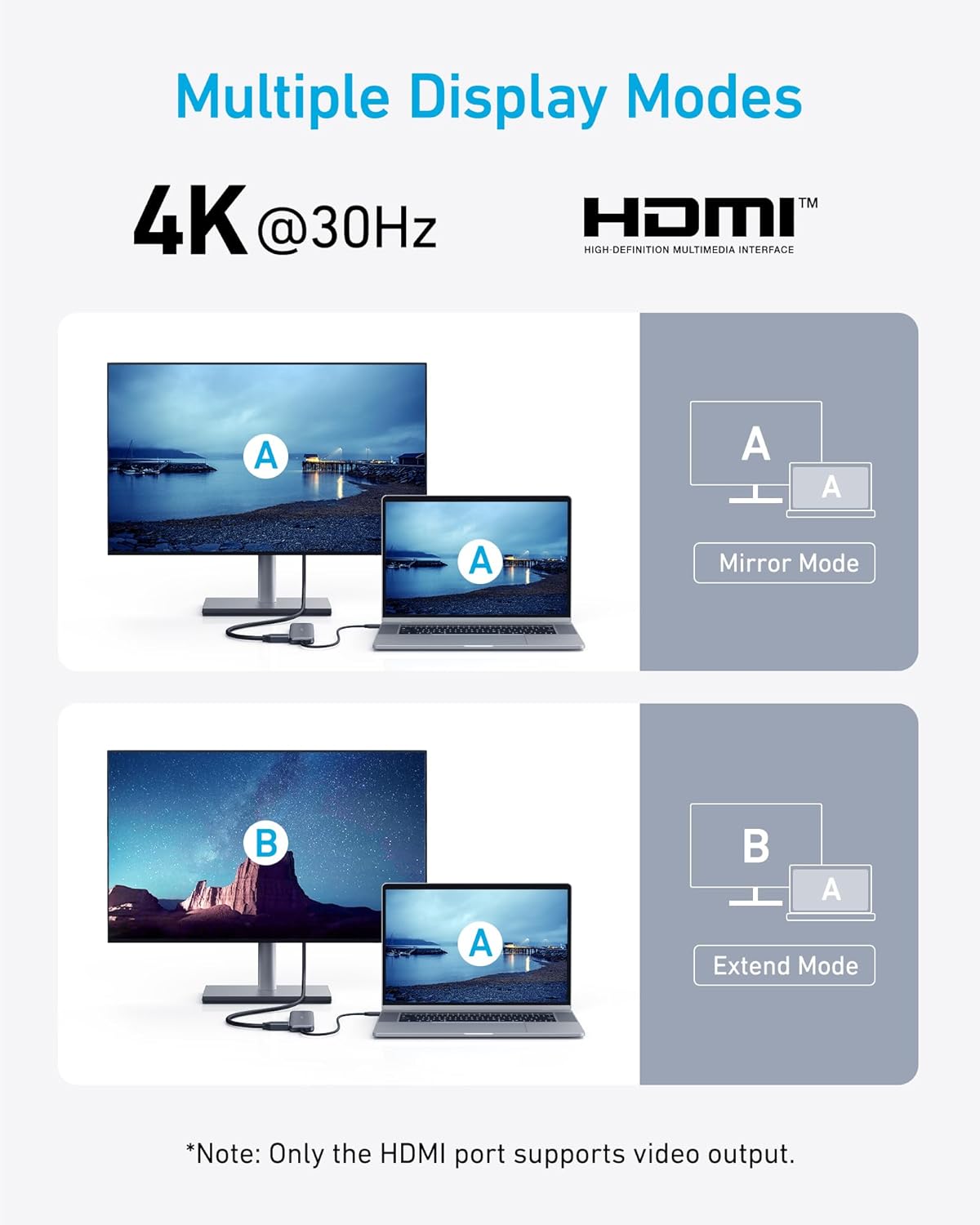
The hub has one HDMI output. Mirror mode repeats the laptop display; extend mode adds a separate desktop area. The two panels above illustrate alternative layouts, not two simultaneous external screens.
The two USB-C sockets do different jobs
The USB-C data port is for data accessories. The socket marked PD IN accepts power for pass-through laptop charging. Alongside them are two USB-A data ports. Anker rates the data ports at up to 5 Gbps; that is a specification, not a measured file-transfer result.

For the stated maximum of 85W to the laptop, Anker specifies a separate 100W PD wall charger and a USB-C cable supporting 100W. The hub reserves 15W for its own operation. Your host and charging equipment also affect what is delivered, so do not read “100W input” as 100W of laptop charging.
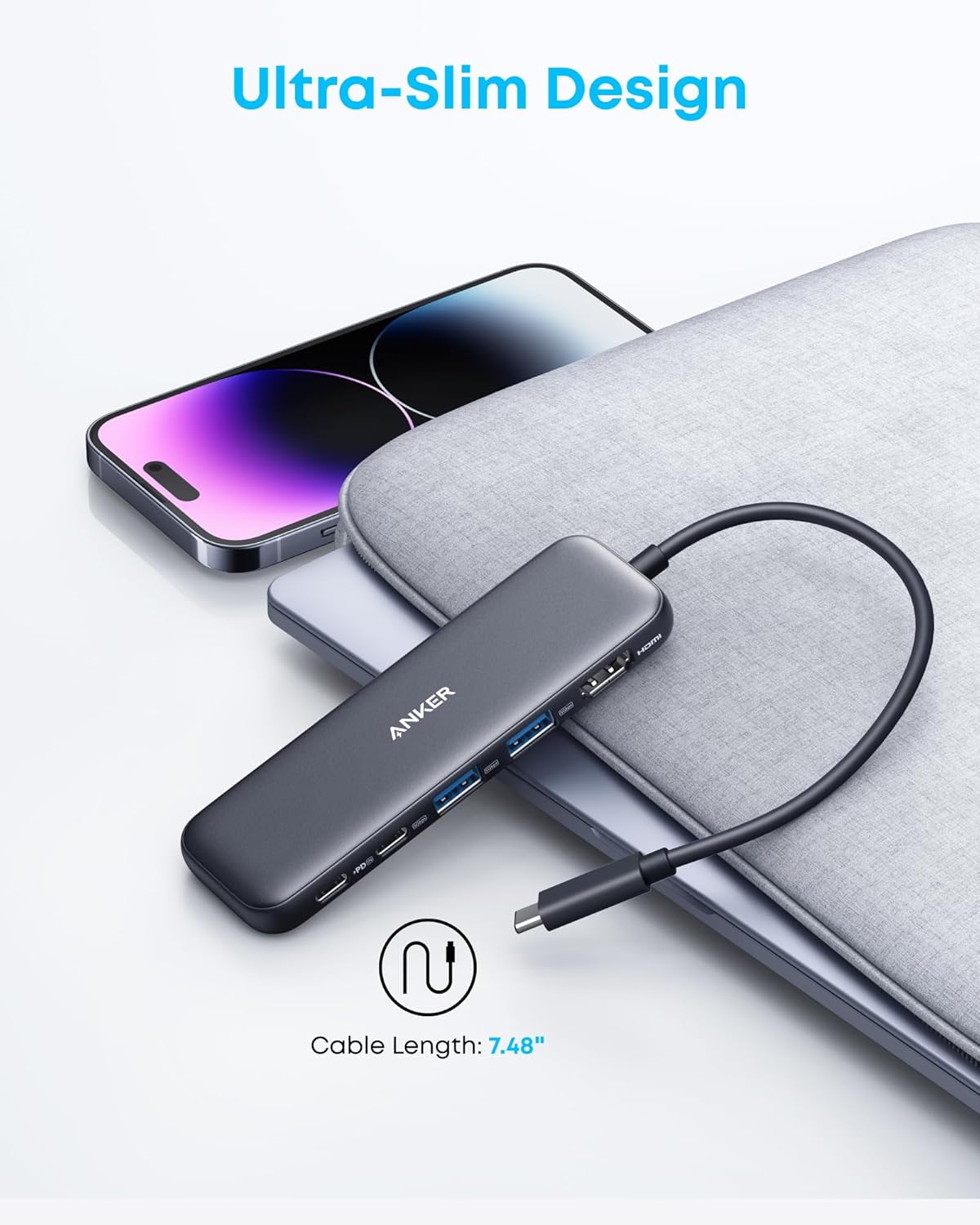
Before ordering, confirm A8355 / A8355011, Black, one hub. Other products can also use the “332” name. This selection makes sense when its HDMI mode, host-port requirements and separate charging arrangement all match your setup.
View the Anker 332 A8355 on Amazon
Based on the matching listing and Anker’s product and support documentation, not hands-on testing. Product scenes are source images; the fit-check graphic is original concept artwork.
Where to buy
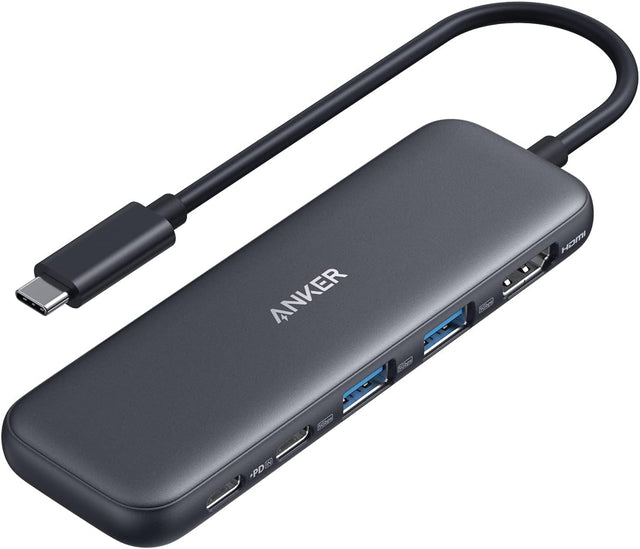
Anker 332 / A8355 A8355011 / Black / one hub
Adds HDMI and USB accessories through a compatible laptop port.
Keep in mind: Needs DP Alt Mode for video; no 4K60 or USB-C display output.
View on Amazon: Anker 332 / A8355 A8355011 / Black / one hub (opens in a new tab)Based on the matching listing and Anker’s product and support documentation, not hands-on testing.
Elige un artículo de esta guía