Comparison guide
Anker S330 vs. Jabra Speak2 40: Teams Controls Compared
Choose the Jabra Speak2 40 MS if a dedicated Microsoft Teams desktop button is the reason you are buying a shared-call speakerphone. The Anker PowerConf S330 is another wired speaker-and-microphone option, but verify its physical call controls for your actual app. Neither gets an audio-quality win here: we have not tested them side by side.
Quick Picks

Check your meeting app
Anker PowerConf S330
— Shared computer audio with on-device call controls to verify for your app.
Call-button support depends on certified software.

For Teams desktop controls
Jabra Speak2 40 MS
— Dedicated Teams desktop button and notification indicator.
USB-A needs a charging-capable port; adapter stays on the cable.
Side-by-side comparison
| Buying check | Anker S330 | Jabra Speak2 40 MS |
|---|---|---|
| Selected version | Black A3308 with USB-A adapter | Dark Grey MS Teams 2740-109 with felt pouch |
| Meeting controls | Answer/end/reject and call-state LEDs depend on certified software | Dedicated Teams button; functions depend on Teams desktop app |
| Computer connector | Attached USB-C lead; separate USB-A adapter | USB-C lead with tethered USB-A adapter |
| Power check | Manual rates input at 5 V / 2 A; see wording caveat below | USB-C recommended for maximum volume; USB-A must support charging |
| Moving between rooms | Still needs a suitable computer connection | Included pouch; still a wired computer speakerphone |
What changes in use
Teams shortcuts are not the same as call audio
The Jabra MS version has a dedicated Teams button. Its manual describes bringing Teams forward, joining an active meeting, viewing missed calls or voicemail, and raising or lowering your hand. These functions depend on the Teams desktop application. The indicator handles one notification at a time, with the button acting on the most recent one.
Buy the MS model 2740-109 for that workflow, not UC model 2740-209. The UC version has a Smart button instead. This distinction matters more than seeing “Speak2 40” in a listing title.
Anker documents answer, end and reject controls with call-state LEDs for certified software. That is not a promise that every button works in every meeting app. Nor does it establish that the S330 cannot carry Teams audio. Confirm your specific app’s controls rather than treating an absent Teams-specific claim as incompatibility.
USB-C and USB-A need different checks
Jabra recommends USB-C for maximum music and call volume. If you use USB-A, its manual requires a port capable of charging. Its adapter must remain on the cable and must not be used with other devices. A spare-looking adapter is not a general accessory.

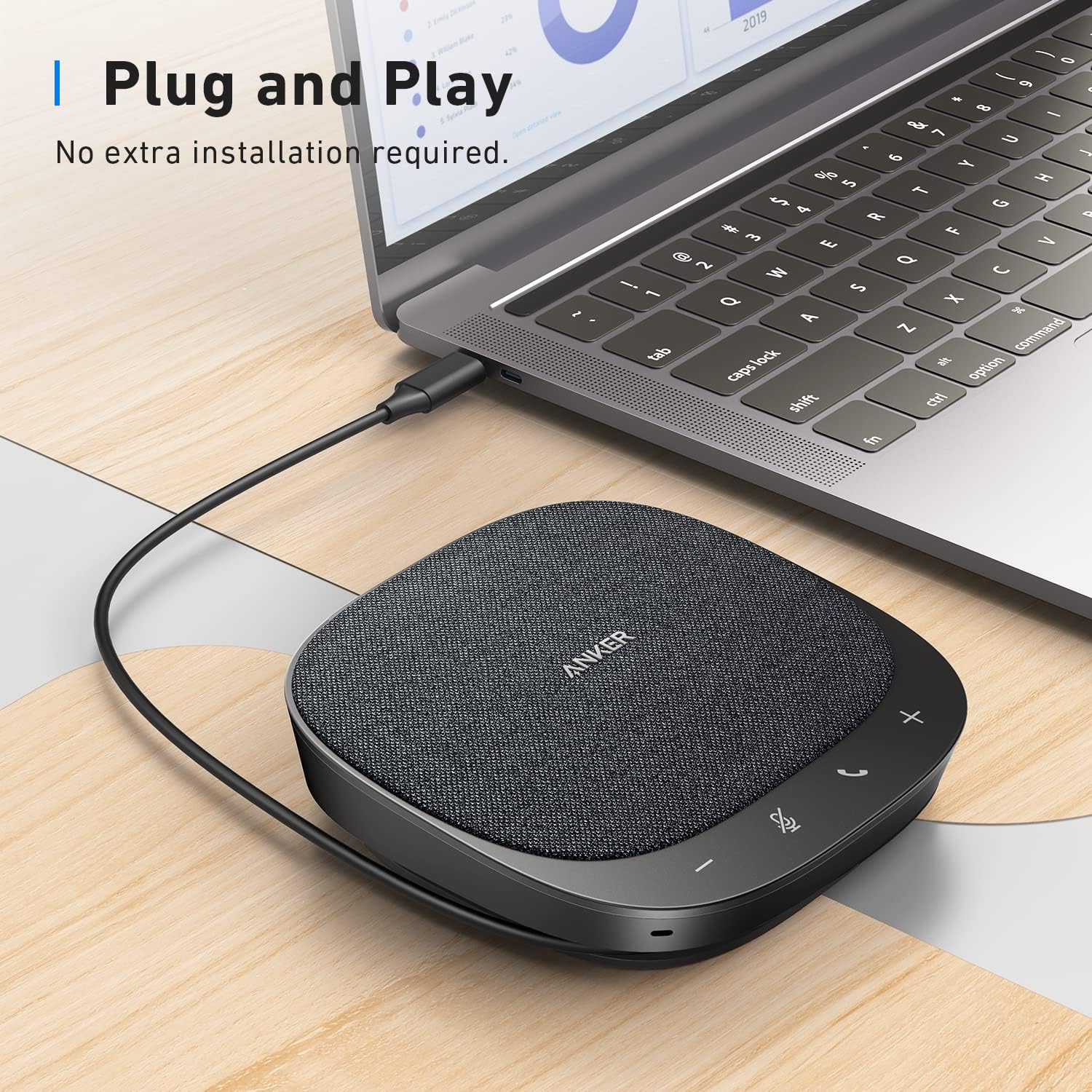
The S330 manual rates input at 5 V / 2 A. Its English connection text says “more than,” while Anker’s Japanese FAQ says “at least.” Check the supplied instructions against your computer port and ask Anker if unclear. Do not raise the voltage or assume an arbitrary hub solves this wording difference.
A pouch does not make it cordless

The selected Jabra kit includes a felt pouch. That is a useful packing detail, not wireless operation. Both choices here connect to a computer. The S330 has no Bluetooth or built-in battery, and its manual excludes smartphone connection; tablet calling is not verified here.
Before choosing
Identify the meeting app and the computer port you will actually use. If Teams desktop shortcuts matter, the exact Jabra MS version has the documented feature set. If you handle calls on screen, those shortcuts may not decide your purchase; consider S330 only after its power and app-control checks fit your setup. This comparison does not establish a cheaper or better-sounding winner.
For either device, select it as both the microphone and the speaker in your computer and meeting-app audio settings. A shared speakerphone plays the remote caller into the room; use private listening when others should not hear the call.
The choice
Jabra MS is the evidence-backed pick for the Teams-button requirement. Otherwise, settle the connection and software checks first rather than buying on an assumed noise-cancellation advantage.
Choose your exact version
Anker PowerConf S330
Shared computer audio with on-device call controls to verify for your app.
Call-button support depends on certified software.
Jabra Speak2 40 MS
Dedicated Teams desktop button and notification indicator.
USB-A needs a charging-capable port; adapter stays on the cable.
How we compared
Based on matching listings, manufacturer manuals and product documentation, not hands-on testing. Supplier images are unchanged, not MOREGOSU test photographs. Short English captions explain the relevant details in the Spanish-labeled Jabra images.