Would an AirTag Help You Find Your Travel Bag?

Repeatedly misplacing your own travel bag? Weigh first-generation AirTag location assistance against your existing routine, device needs and battery upkeep.
Keep the travel bag and contact tag that already work for you. If you repeatedly set your bag down and struggle to find it, an AirTag may add a useful way to look. Consider one only if you already have a compatible Apple device and are willing to handle its setup and battery upkeep.
This guide covers the Apple AirTag (2021, first generation), model MX532AM/A, Single: one AirTag with an installed CR2032 coin-cell battery. It does not cover the second generation, a four-pack or an accessory bundle.
Start with the bag you own
Try a consistent place for your bag and a bag check before leaving a room. If that routine is enough, skip the locator. Keep readable, up-to-date contact details on your existing tag so someone who finds the bag has a way to reach you.
AirTag serves a different need: you can look for your own item through Find My. It adds app-based location assistance without requiring a replacement bag, including when you already use a MOREGOSU bag.

Know what the location can tell you
When AirTag is within Bluetooth range, Find My can play a sound through its built-in speaker to help you look nearby. Farther away, location updates depend on participating Find My network devices detecting its signal.
A map location may be current or last known. Check when it was reported rather than assuming the bag is still there. A missing update cannot tell you where the bag has gone.

Use it only for your own belongings, not to track people. It is not a theft deterrent or a live GPS service, and finding or recovering a bag is not guaranteed.
Check your actual Apple device
Apple lists iOS or iPadOS 14.5 as the minimum for first-generation setup. That minimum does not make every device eligible for Precision Finding; verify support for your exact iPhone before relying on that feature.
You also need a completed Apple Account setup and the required settings and connectivity. Check Apple’s current setup guidance for your device, including Bluetooth, Location Services, Find My network and iCloud Keychain. This guide’s older listing image is not a current interface walkthrough.

Plan a place for it and battery upkeep
Check a closable pocket in your existing bag, or a separately chosen holder that fits the AirTag and your bag. Do not assume the pictured pocket or keyring proves fit or secure retention in your setup. The phone, keys, keyring and bag shown are not included.
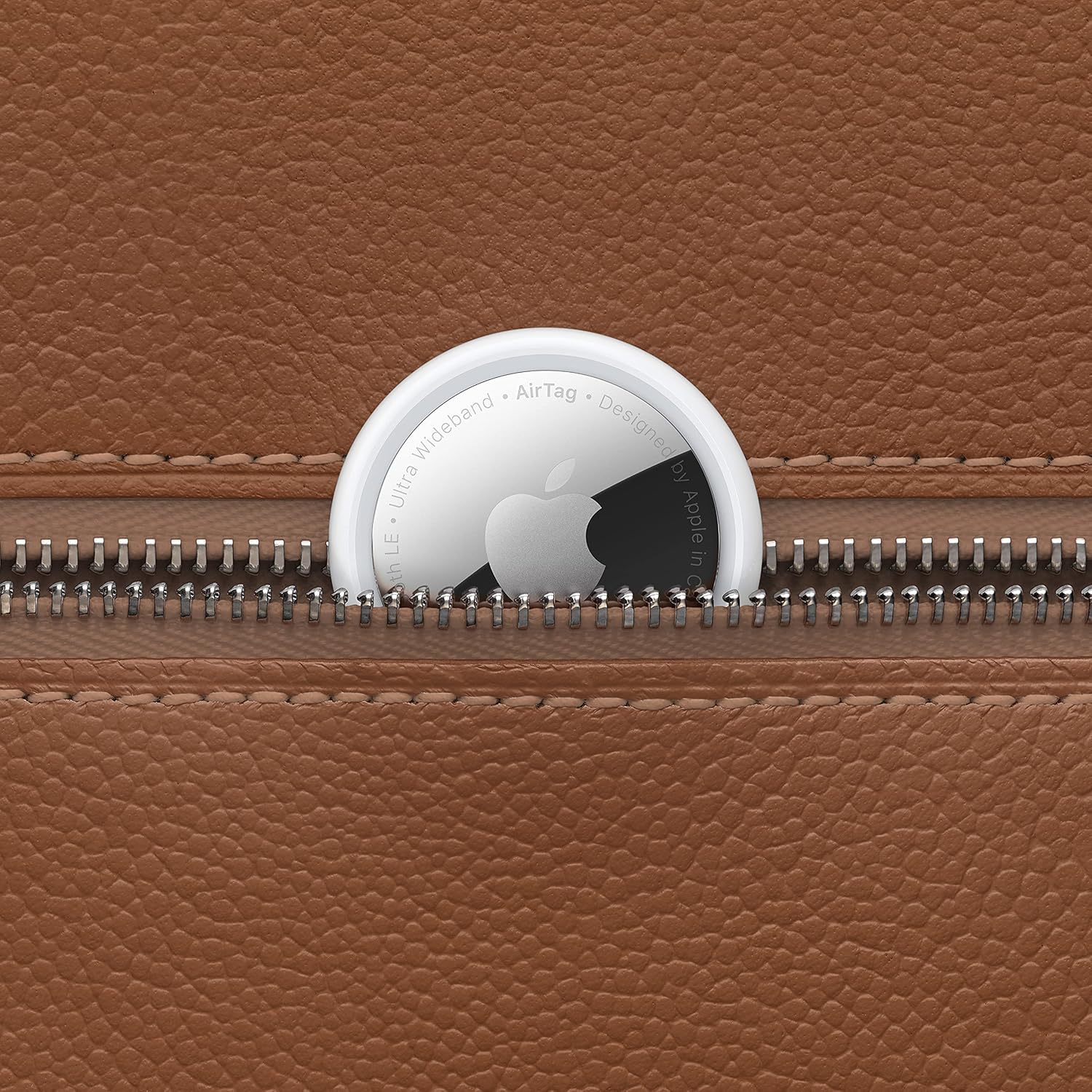
The installed CR2032 battery is replaceable; plan for coin-cell replacement rather than USB charging. Follow the instructions supplied with the item.
Keep AirTag, its battery cover and its battery away from small children. Apple warns that these parts can cause choking or other injury.
Decide whether the extra accessory earns its place
Consider this first-generation single unit if you repeatedly misplace your own bag, already have a compatible Apple device and accept the limits of app-based locating. Skip it when your existing finding routine is adequate or you need a guaranteed live location. Keep the working bag and contact tag either way.
Before ordering, check 2021 first generation, MX532AM/A and Single. This is a guide to that specific older-generation listing, not a comparison of value across generations.
View the first-generation AirTag Single on Amazon.
How we chose
Based on the matching Amazon listing, Apple’s first-generation specifications and setup information, and original listing images. We have not physically tested this AirTag or its fit in a bag.