Logitech R500s: Do You Need a Clicker Away from Your Laptop?

A dedicated clicker makes sense when you need slide control away from the keyboard. Check the R500s connection options and red laser limits before adding one.
If you keep walking back to your laptop just to advance a slide, a dedicated clicker has a clear job. The Logitech R500s is worth considering for that gap. If you present seated, or already have a remote that works with your setup, there is little reason to add another device.
Buy it for slide control away from the keyboard
The R500s has three physical buttons: next, back and red laser. That makes it a focused choice for someone who wants slide navigation in hand while standing away from the computer. It will not improve your slides or replace rehearsal.

Check the computer before the room
The included receiver plugs into USB-A. The remote also supports Bluetooth Low Energy. If your laptop has only USB-C ports, do not mistake the supplied receiver for USB-C: check whether your computer supports the Bluetooth route before buying.
For a shared or managed presentation computer, confirm which connections are allowed and which slide software you will use. Rehearse with that actual setup. A compatible connection alone does not establish that every command will work in every app.
Will the red laser suit your display?
The laser points at a physical surface; it does not move a digital cursor. Logitech notes that its red light is less noticeable on LCD and plasma screens. If pointing on a TV or monitor is the main reason you want a remote, skip this model for that job and check your presentation software’s digital pointing options instead.

Account for the battery and optional software
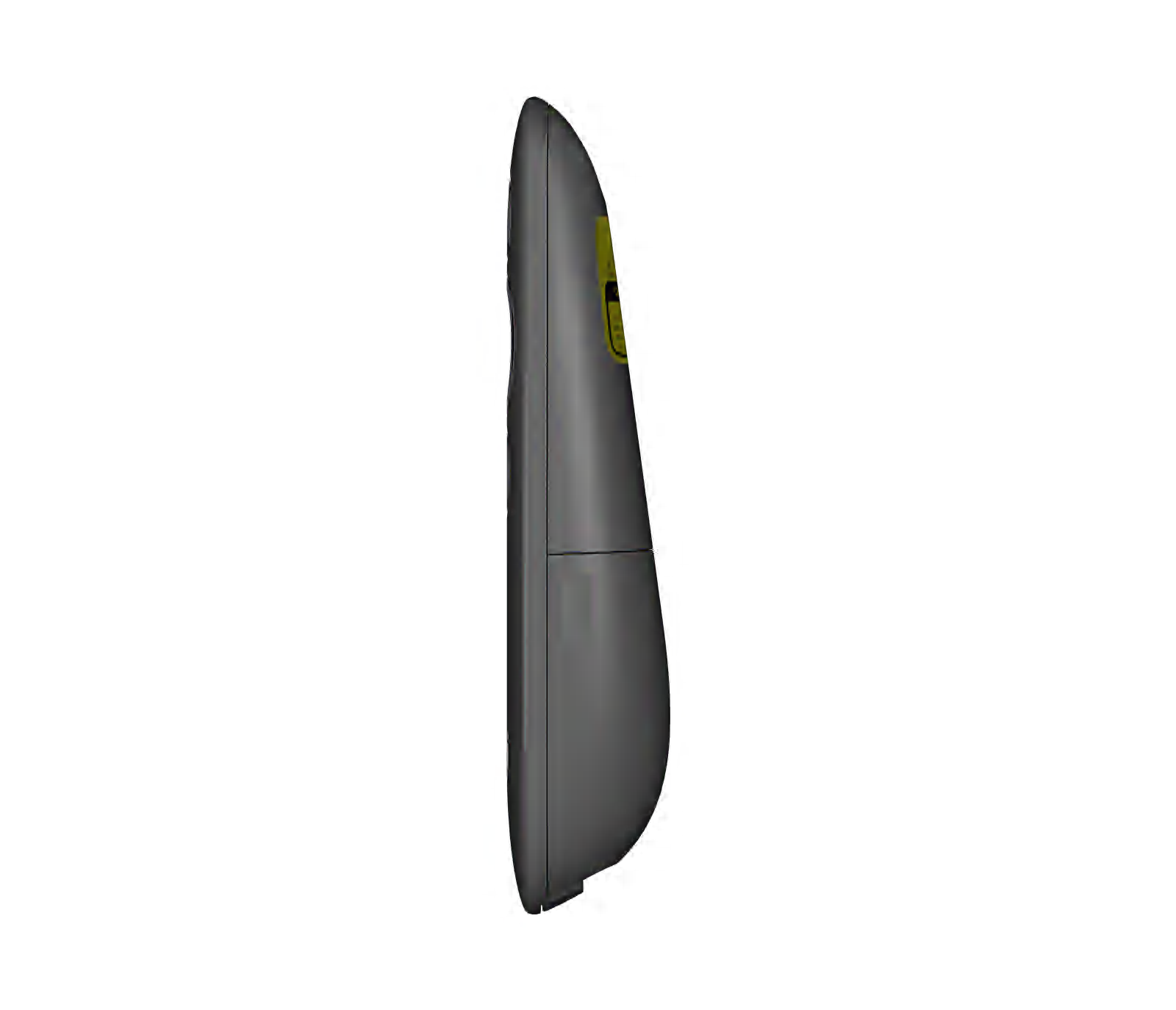
This Graphite package includes one R500s remote, its USB-A receiver and one AAA battery. Logitech’s guide shows that the receiver stores inside the remote. You still have a battery-powered accessory to keep track of when packing.
Basic next/back presses and extra commands are different considerations. Logitech’s current guide marks the long-press actions for starting a presentation and showing a blank screen as requiring Logi Options+. If those matter to you, check current OS support and permission to install the app on the presentation computer. Do not buy on the assumption that those extras work without software.
Keep your current controls if they already work

Consider it: you regularly present away from the laptop, need next/back buttons in hand, and have checked the computer connection and slide app.
Skip it: you stay at the keyboard, already have suitable remote control, need a USB-C receiver in the box, or primarily want a digital pointer for a TV or monitor.
The exact version to check
Logitech R500s, Graphite · model 910-006518 · one remote, USB-A receiver and AAA battery. The linked listing is the Red Laser 3 buttons Clicker option, not a Spotlight digital-pointer model.
Source-based buying guide, not a hands-on test. Product details were checked against Logitech’s R500s product page, its current Getting Started guide and the matching Amazon listing on October 25, 2026. Product photos and the laser illustration are supplied by the manufacturer/listing.
Choose the item from this guide