Does Your Desktop Need a Logitech C920s Webcam?

A C920s can add a camera with a physical lens cover to a desktop setup. Check the mount, attached USB-A cable and separate audio controls before buying.
If your laptop or phone already handles the calls you need to make, keep using it. A separate webcam makes more sense when the meeting needs to run on your desktop computer and that setup has no usable camera.
The Logitech C920s in Black is an option for that job, especially if you want a physical lens cover. The main trade-offs are an attached USB-A cable, a mounting clip that must suit your screen, and microphones that are not muted by closing the cover. This is a product-information guide, not a hands-on image-quality comparison.
Choose the shutter for a covered lens
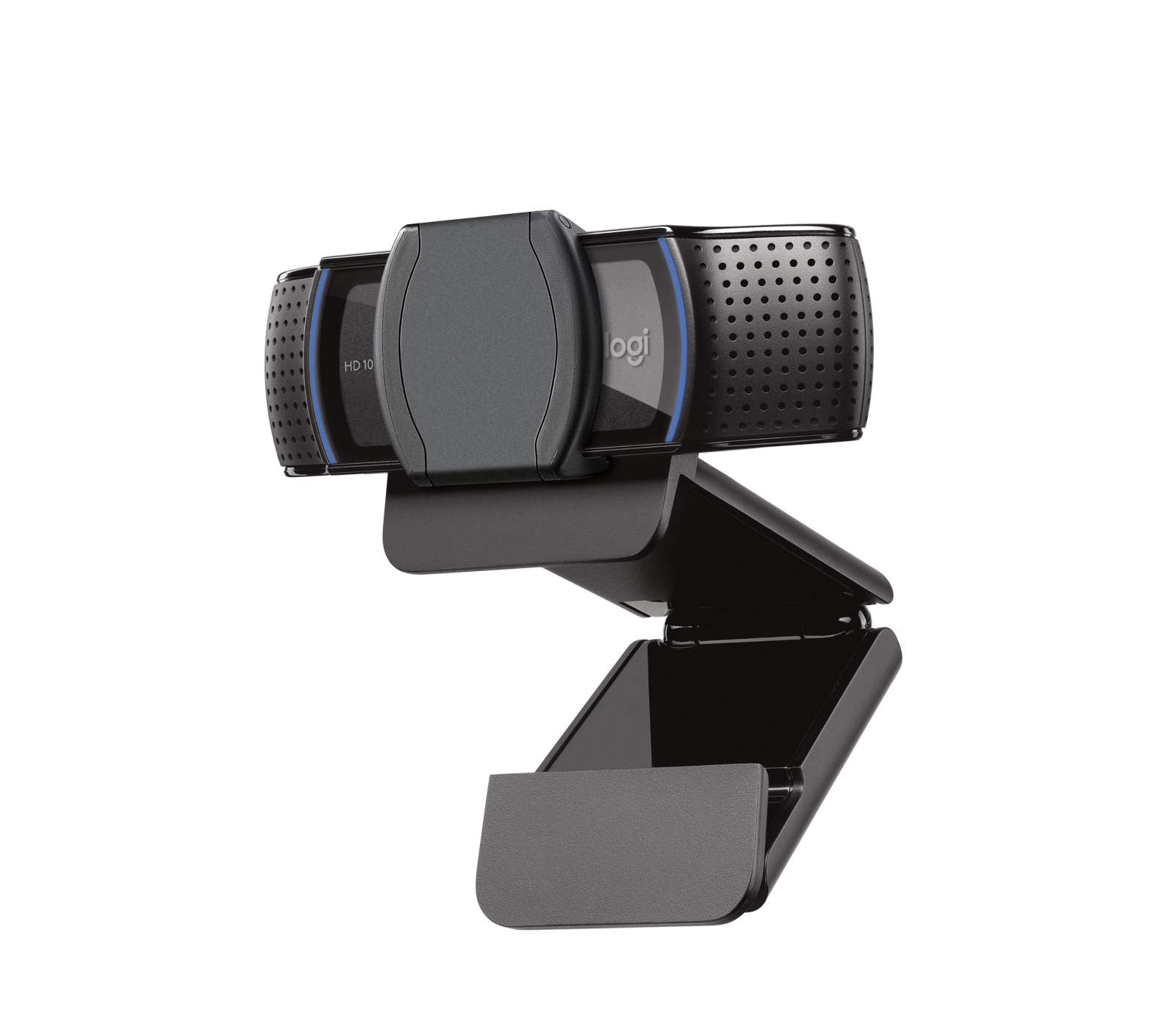
The included shutter attaches to the front of the camera and opens or closes manually. It gives you a physical way to cover the lens between calls. Closing it does not disconnect the webcam or turn off audio, and it is not a guarantee of overall device security.
Make sure it has a place on your screen

Logitech’s guide shows the clip resting on the top of a monitor, with its foot flush against the back. Before buying, look at your screen’s top edge and rear shape: the camera needs a supported position without blocking the display. No universal screen-thickness fit is established here.
The camera adjusts up and down manually. If the screen position is wrong for your calls, the clip also has a 1/4-inch tripod thread for a separately purchased tripod. Allow desk space for that support; a tripod is not included.
Keep the audio decision separate

The C920s has two built-in microphones. They can remain active while the lens is covered, so manage microphone mute separately in your calling app. If your existing headset already works for calls, buying this camera is not a reason to replace it.
Check the plug, cable route and calling app

The attached cable is 1.5 m long, with a USB-A plug for a USB-A port on your computer. Measure the route from the planned camera position to a reachable computer USB-A data port, including the trip behind the desk. Do not assume a USB socket on the monitor provides a working connection to the computer. No USB-C adapter is included.
Logitech’s compatibility pages differ on older operating systems. For this buying check, use the stricter overlap: Windows 10 or later, macOS 10.15 or later, or ChromeOS, then verify your calling app’s current requirements. Those hardware listings do not guarantee support for every later operating-system release, app or optional utility.
Logitech says basic webcam use does not require extra software. That is not a promise of trouble-free operation in every setup. The manufacturer lists up to 1080p at 30 fps; your app and connection can limit the video you actually send. We have not tested it against a laptop or phone camera.
Buy for a missing desktop camera, not an assumed upgrade
Consider it if you need video on the desktop itself, have a suitable mount and USB-A connection, and want a manually covered lens. Skip it if your current laptop or phone already meets the need, the cable cannot reach, or you expect the shutter to mute audio too.
The linked selection is one Black C920s, model 960-001257, with its attached cable, attachable shutter and documentation. It is not a C920x, C922, tripod bundle or hub kit.
Choose the item from this guide