Does Your Paper Tracing Need a Dedicated Light Pad?

Keep a tracing setup that already works. Consider a rechargeable light pad only for a recurring unmet need, with suitable materials and room for charging and storage.
If you regularly trace drawings onto paper, a light pad is worth considering when you keep needing a clearer view through the sheets you use. Keep an existing or borrowed setup if it already lets you see the lines well.
The Cricut BrightPad Go offers a dedicated, rechargeable illuminated surface. Before adding it, check your materials, the area you need to trace and whether cordless use would solve a real problem.
Start with the paper you actually use
Backlighting depends on light passing through the material. Cricut recommends transparent or low-opacity materials for tracing; solid, dark-colored materials can block the light. Do not assume a brighter setting will make every paper stack suitable.
Consider the original drawing and the sheet placed over it together. If you are unsure whether your usual combination transmits enough light, try it on a borrowed light pad before buying one.

Existing craft cut lines are a separate use case. Some are already visible without backlighting, and their visibility depends on the material and surrounding light. A light pad does not create cut lines or cut material.
Check the Go model and its working area
This guide covers one BrightPad Go in Indigo, with a rechargeable battery and three flush controls: power, plus and minus. The mint BrightPad Standard is a different, plug-in model.
The Go has five brightness settings. Use the plus and minus controls to adjust the light for the material; the highest setting is not automatically the most useful one.
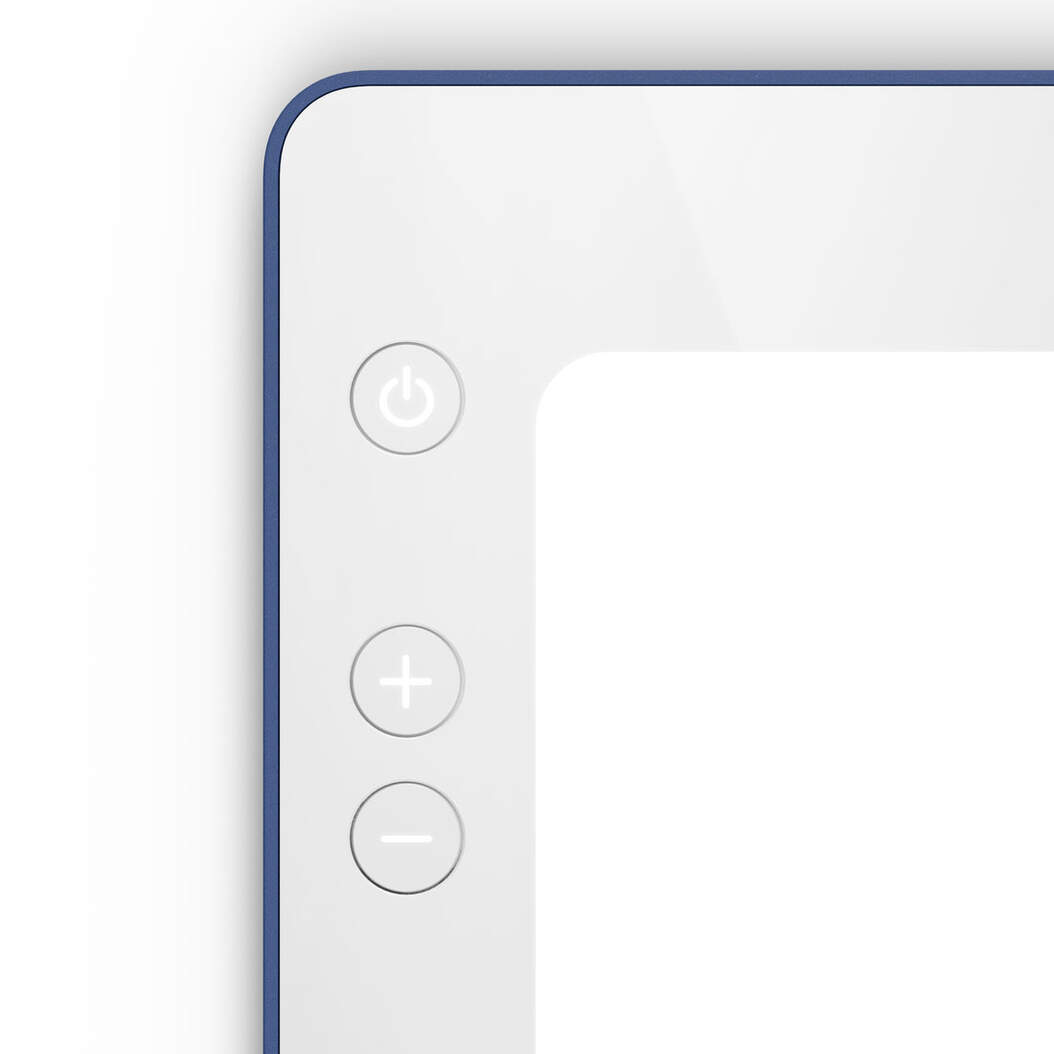
Cricut lists an 11.5 × 9-inch lit area. Compare that illuminated area, rather than the outer frame, with the part of your drawing you need to see at once.
You work with physical paper and your own drawing tool. The pad does not record pen strokes or scan artwork. Paper tracing does not require a Cricut cutting machine or subscription.
Make room for charging and care
The Go includes a Micro-USB cable and USB power adapter. Its battery allows unplugged use, but charging remains part of owning it. If your existing corded setup is adequate where you work, cordless use alone may not justify a replacement.
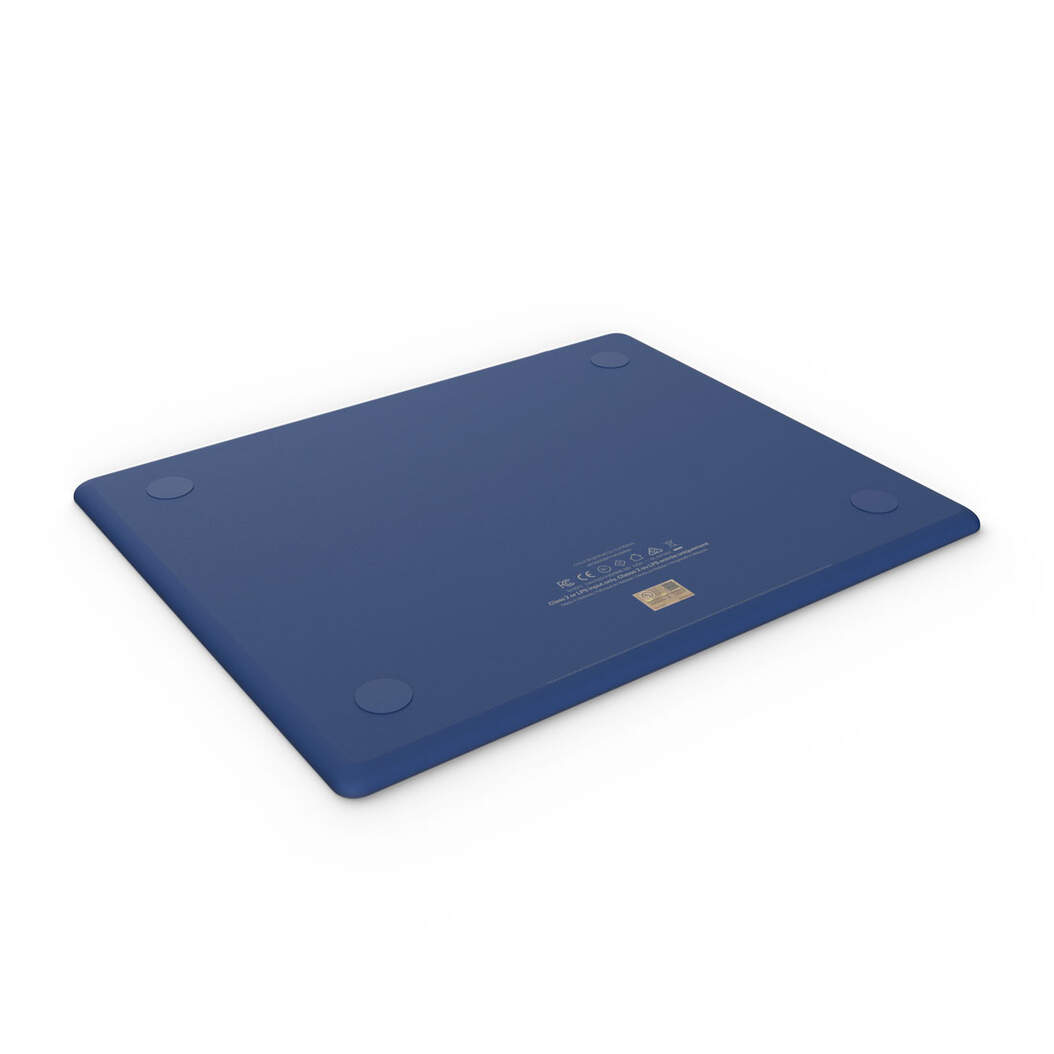
Do not use it as a cutting surface. For cleaning, Cricut permits touchscreen or electronics cleaning wipes, or a little glass cleaner applied to a soft cloth. Avoid abrasive or strong cleaners, immersion and heavy stacking. Store it at room temperature, away from extremes, and follow the supplied care instructions.
Keep, consider or wait

Keep an adequate setup. Consider a dedicated pad for a recurring unmet need only when your material transmits light, the lit area fits your work, cordless use is useful, and charging and storage are manageable. Solid dark sheets can block light. If any of those checks remain uncertain, wait or borrow first.
If the Go fits that need, view the Cricut BrightPad Go in Indigo on Amazon. Check that the selected option is BrightPad Go, not BrightPad Standard.
Choose the item from this guide